Protecting Your Identity Online: Password and Privacy Basics
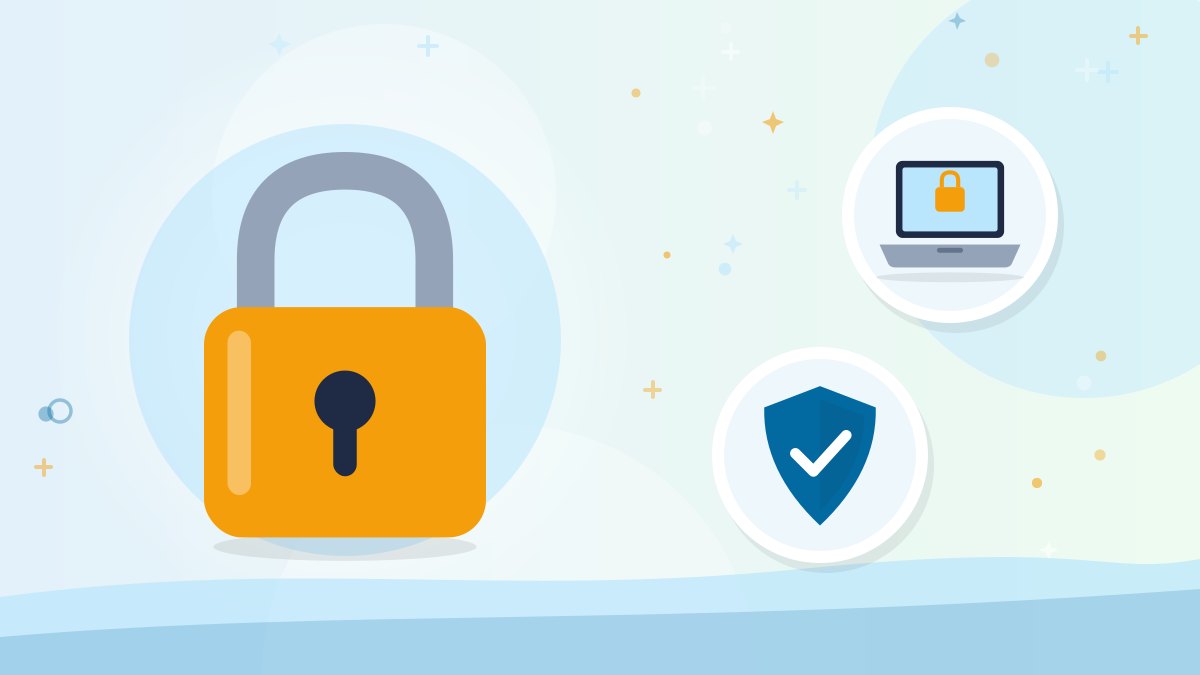
Strong passwords, two-step verification and careful sharing go a long way toward protecting your identity online. Learn simple habits that keep your accounts safer.
The short version
- Use strong, unique passwords and turn on two-step verification for important accounts.
- Keep devices and apps updated.
- Be cautious about links, attachments and what you share online.
In this guide
Online banking, shopping, telehealth and social media make life more convenient, but they also create opportunities for criminals to steal personal information. You do not need to be a technology expert to protect yourself. A few simple habits make a big difference.
Use strong, unique passwords
- Make passwords long. A passphrase made of several random words is often easier to remember and harder to guess, such as "purple-teapot-garden-river."
- Use a different password for each important account, especially email, banking and shopping. If one site is breached, your other accounts stay safe.
- Avoid personal information like birthdays, pet names or addresses.
- Consider a password manager, an app that securely stores your passwords so you only need to remember one master password.
- If you prefer writing passwords down, keep the list in a secure place at home, not near your computer or in your wallet.
Turn on two-step verification
Two-step verification (also called multi-factor authentication) adds a second step when you log in, such as a code sent to your phone. Even if someone learns your password, they cannot get in without that second step. Turn it on for email, banking, Social Security, Medicare and other important accounts.
Never share a verification code with anyone who contacts you. Legitimate companies will not ask for it.
Keep devices updated
- Turn on automatic updates for your computer, phone, tablet and apps. Updates fix security weaknesses.
- Use security software on computers.
- Set a screen lock with a passcode, fingerprint or face recognition.
Be careful with emails, texts and links
- Do not click links or open attachments in unexpected messages, even if they look official.
- Check the sender's address carefully. Scammers use addresses that look similar to real ones.
- Go directly to websites by typing the address or using a bookmark rather than clicking links.
- Watch for urgent requests to "verify" your account or "confirm" payment information.
Shop and bank safely
- Look for "https" and a padlock icon in the web address, though this alone does not guarantee a site is legitimate.
- Use credit cards rather than debit cards online, since they often offer stronger fraud protection.
- Avoid public Wi-Fi for banking and shopping, or use your phone's cellular data instead.
- Review statements regularly and set up account alerts for transactions.
Protect your privacy on social media
- Limit personal details you share publicly, such as your birth date, address, travel plans and your pet's name (often used in security questions).
- Review privacy settings so only friends can see your posts.
- Be cautious about friend requests from people you do not know, or duplicate requests from existing friends.
- Skip quizzes that ask for personal information, such as your first car or high school.
Protect your credit
- Check your credit reports for free at AnnualCreditReport.com.
- Consider a credit freeze with the three major credit bureaus. It is free and prevents new accounts from being opened in your name. You can temporarily lift it when needed.
If you suspect identity theft
- Contact the affected companies right away.
- Change passwords for affected accounts.
- Visit IdentityTheft.gov to report identity theft and get a personalized recovery plan.
Get help learning
Many libraries and senior centers offer free classes on online safety. Ask a trusted family member to help you set up two-step verification and automatic updates.